Download Castle app Apk
|
App Name |
Castle app APK |
|
Size |
86.16 MB |
|
Version |
v297.0 |
|
Mod Features |
Download Movies |
|
Requirements |
Android 4.4+ |
|
Developer |
Castle app Team |
|
Price |
1 hour Ago |
How to Install Castle App APK for Streaming Sports, News, and TV
If you're looking for a versatile app that allows you to watch live sports, catch up on news, and enjoy various TV shows, look no further than the Castle App. However, it's important to note that this application is not available on the Google Play Store, which means you'll need to manually install the APK file. This guide will walk you through the steps necessary to get Castle App up and running on your device.
Installation Steps
- Download the APK File: First, you need to download the Castle App APK file from its official website or a trusted source. Make sure you get the latest version for the best experience.
- Locate the Downloaded File: Once the download is complete, go to your device's storage. You can typically find the APK file in the Downloads folder.
- Enable Unknown Sources: Tap on the APK file to begin the installation. If your device blocks the installation, you will need to enable installations from unknown sources. To do this, go to Settings → Security/Privacy and toggle on Install from Unknown Sources. After installation, it’s recommended to disable this option again for your device's security.
- Complete the Installation: Follow the on-screen instructions to finish the installation process. Once it's done, click Buka to launch the application.
Security Warnings
It's crucial to prioritize your device's security by only downloading the Castle App APK from official channels. Before installing any APK, consider scanning the file with antivirus software to protect yourself from potential threats. After installation, make sure to disable the permission for unknown sources to maintain a secure environment on your device.
Frequently Asked Questions (FAQ)
- Do I need to register to use the castle app?
No, you can start using the app without any registration process. - What should I do if the app is lagging?
If you experience lag, try restarting the app or reconnecting to a more stable internet connection. - Is Castle App compatible with tablets?
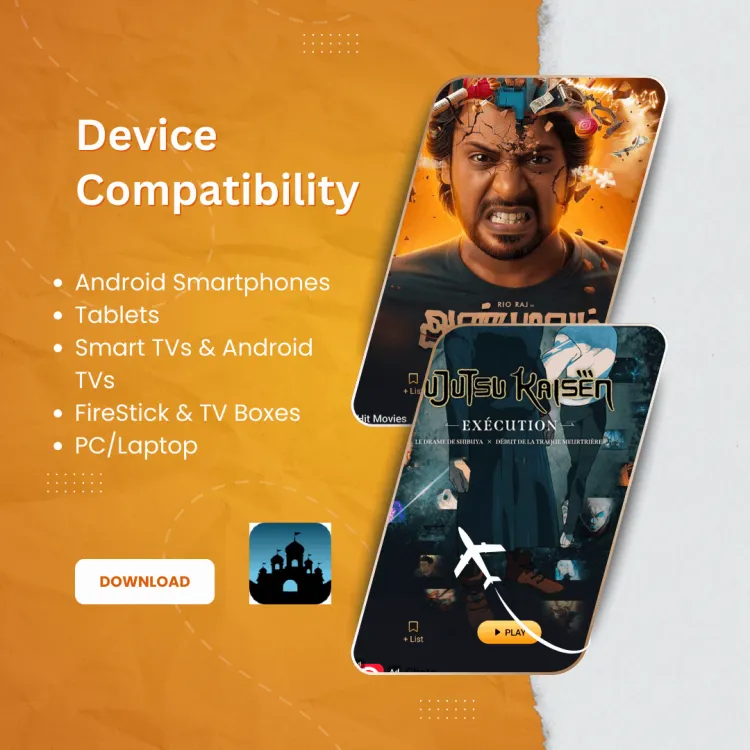
Yes, the app is designed to work on both smartphones and tablets, providing a seamless viewing experience on larger screens.

Disclaimer
Please note that the Castle App is a third-party aggregation tool, meaning that the content available through the app is owned by the original creators. Users are encouraged to use the app responsibly, as the risks associated with using third-party applications rest solely with the user.